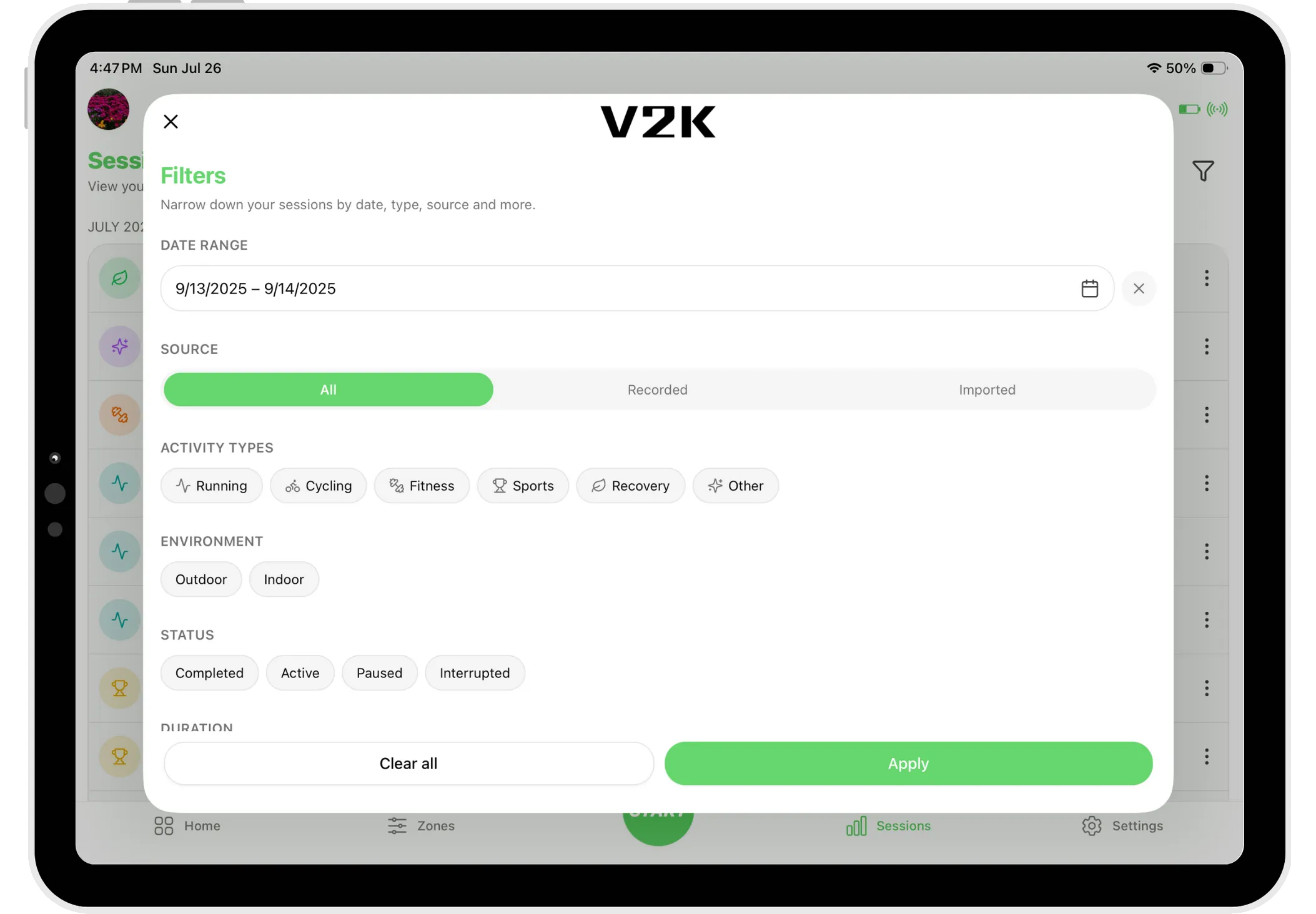
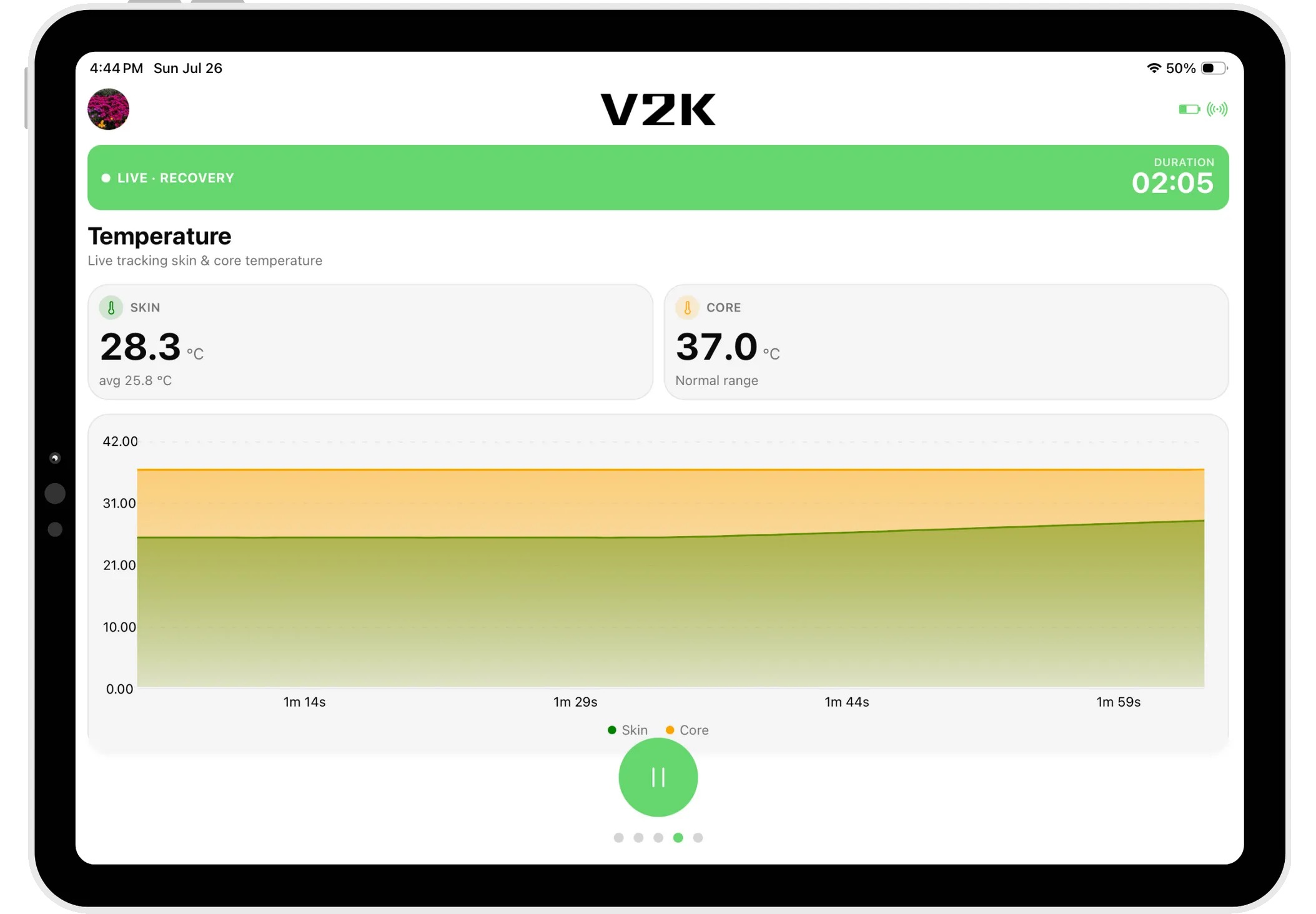
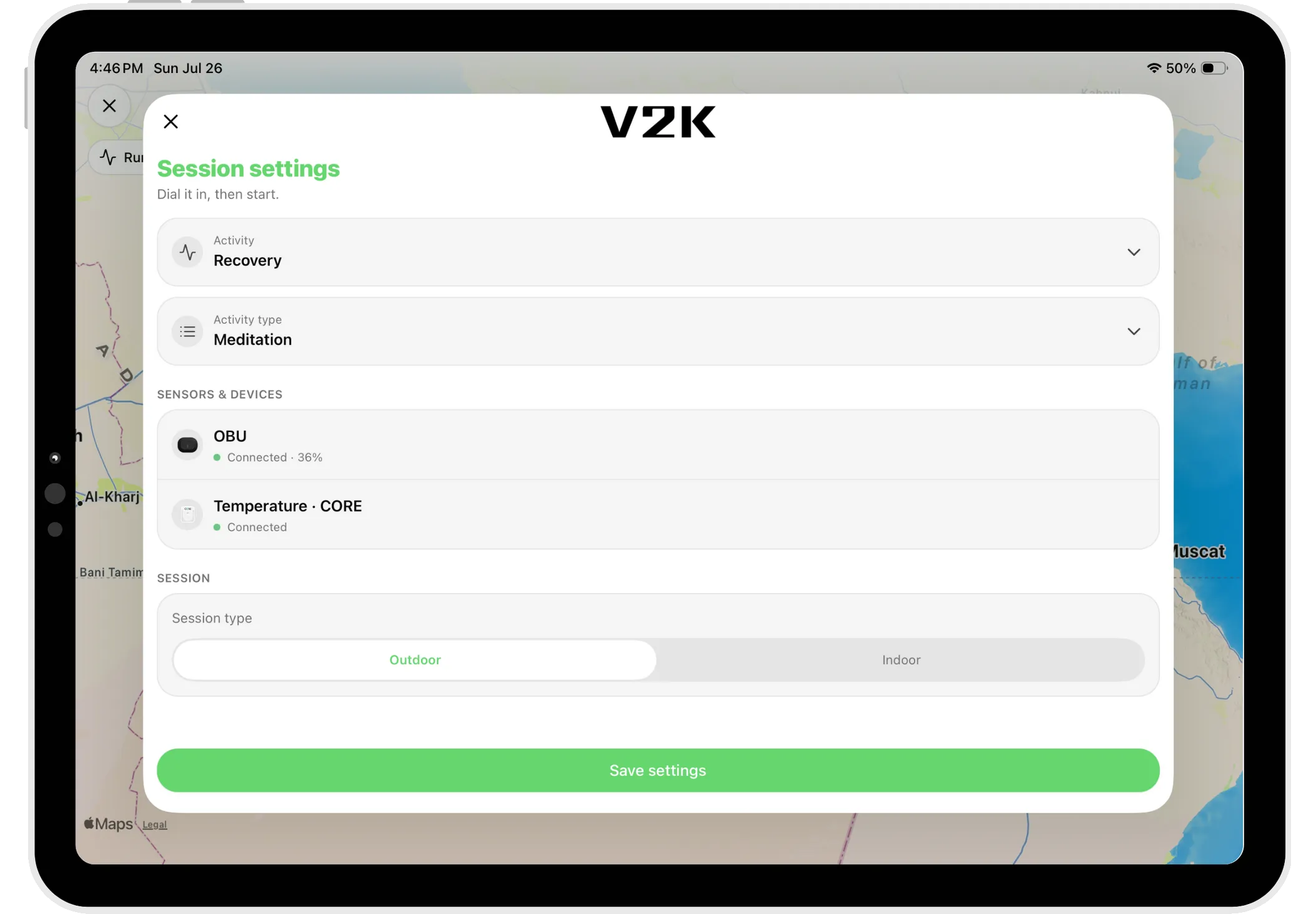
Coming soon to the App Store & Google Play
Your body, in real time.
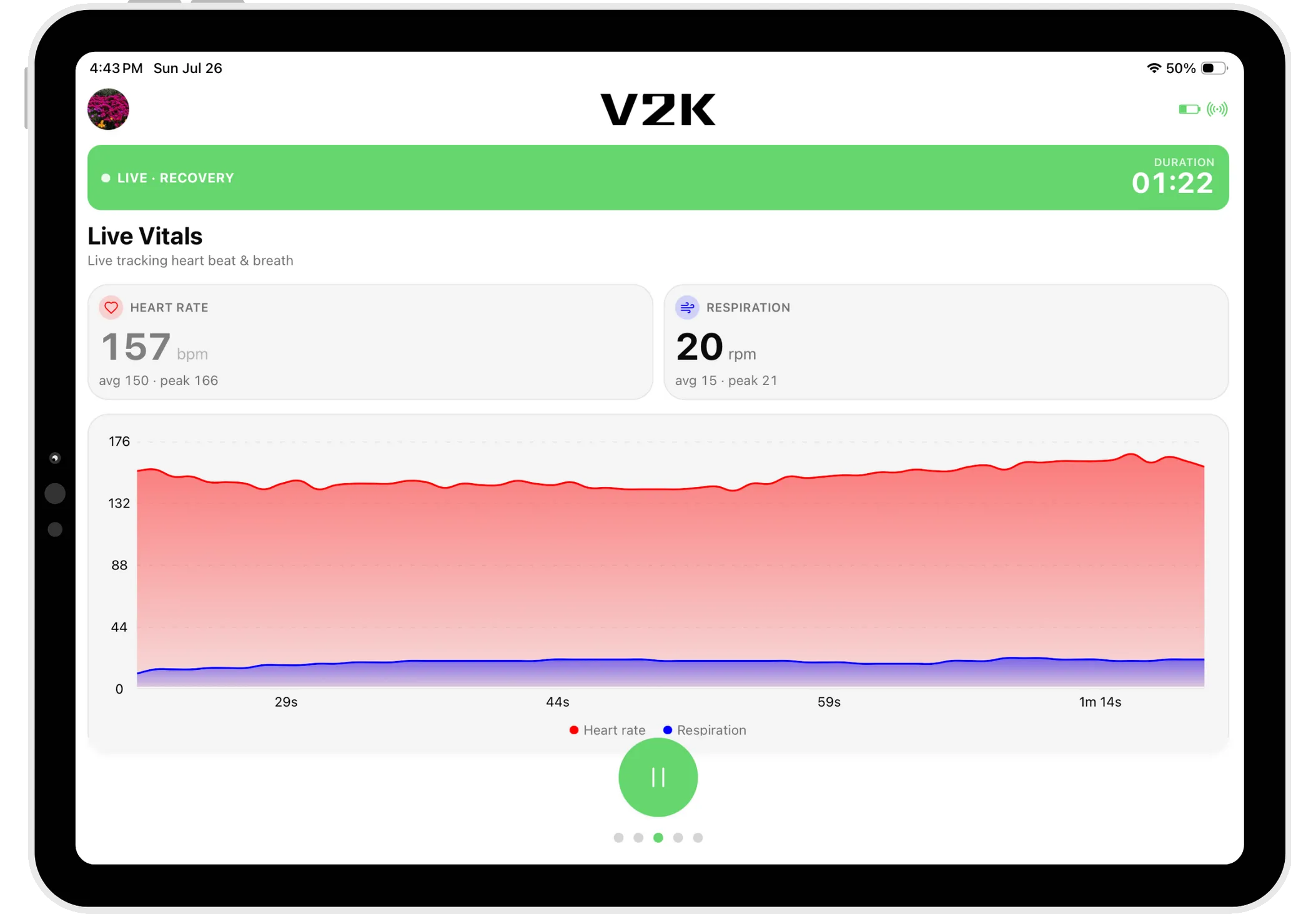
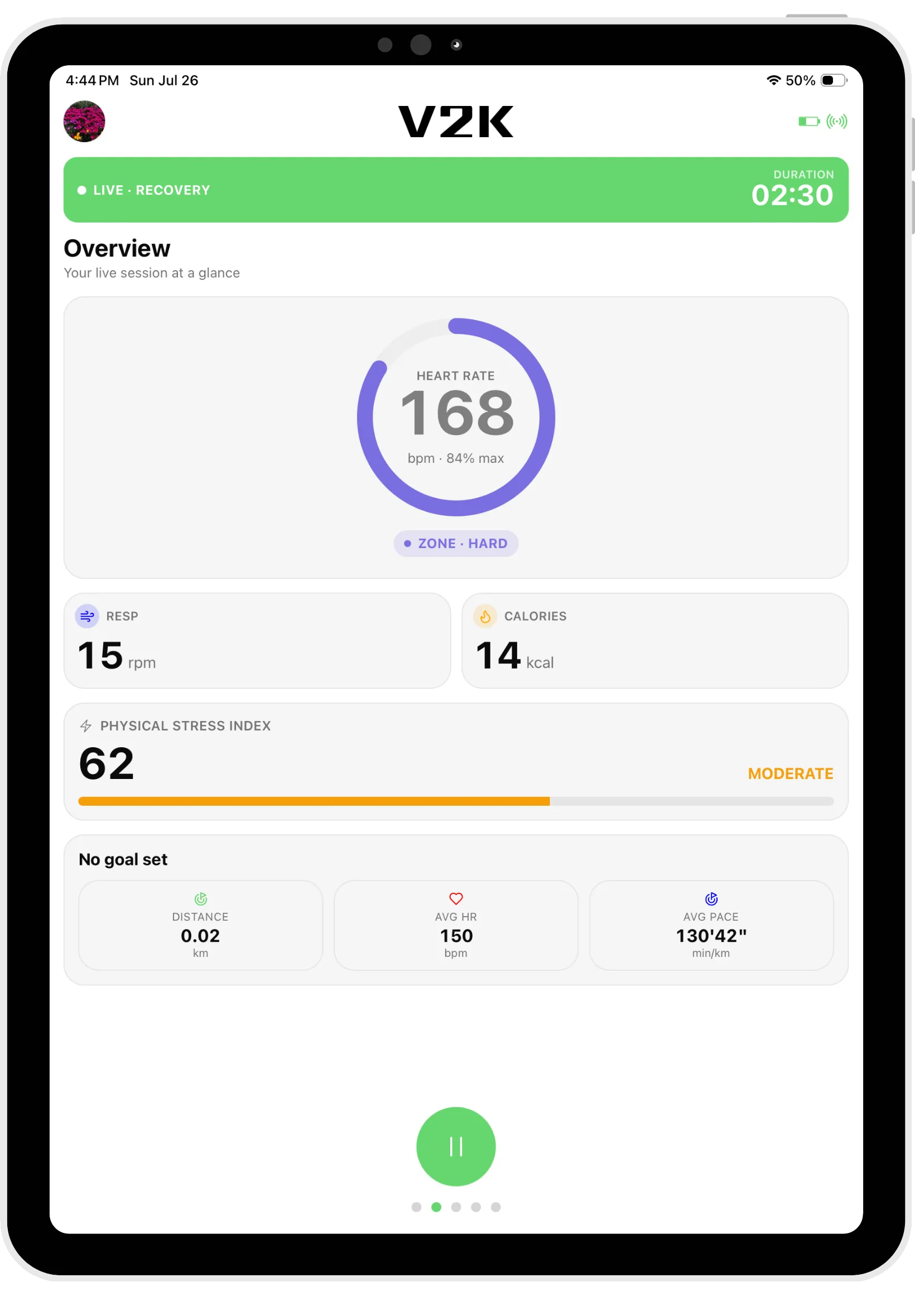
The companion app for the washable V2K smart textile. Sensors in the shirt capture your training metrics accurately — no chest strap — and save them straight to your phone or tablet.
v2.0.1 · Beta149 MB · APKAndroid 12+
Seeing warnings? That's expected.
Because V2K isn't on the Play Store yet, Android shows extra prompts for any app installed directly. Every warning in the steps below is normal, and it's safe to continue.
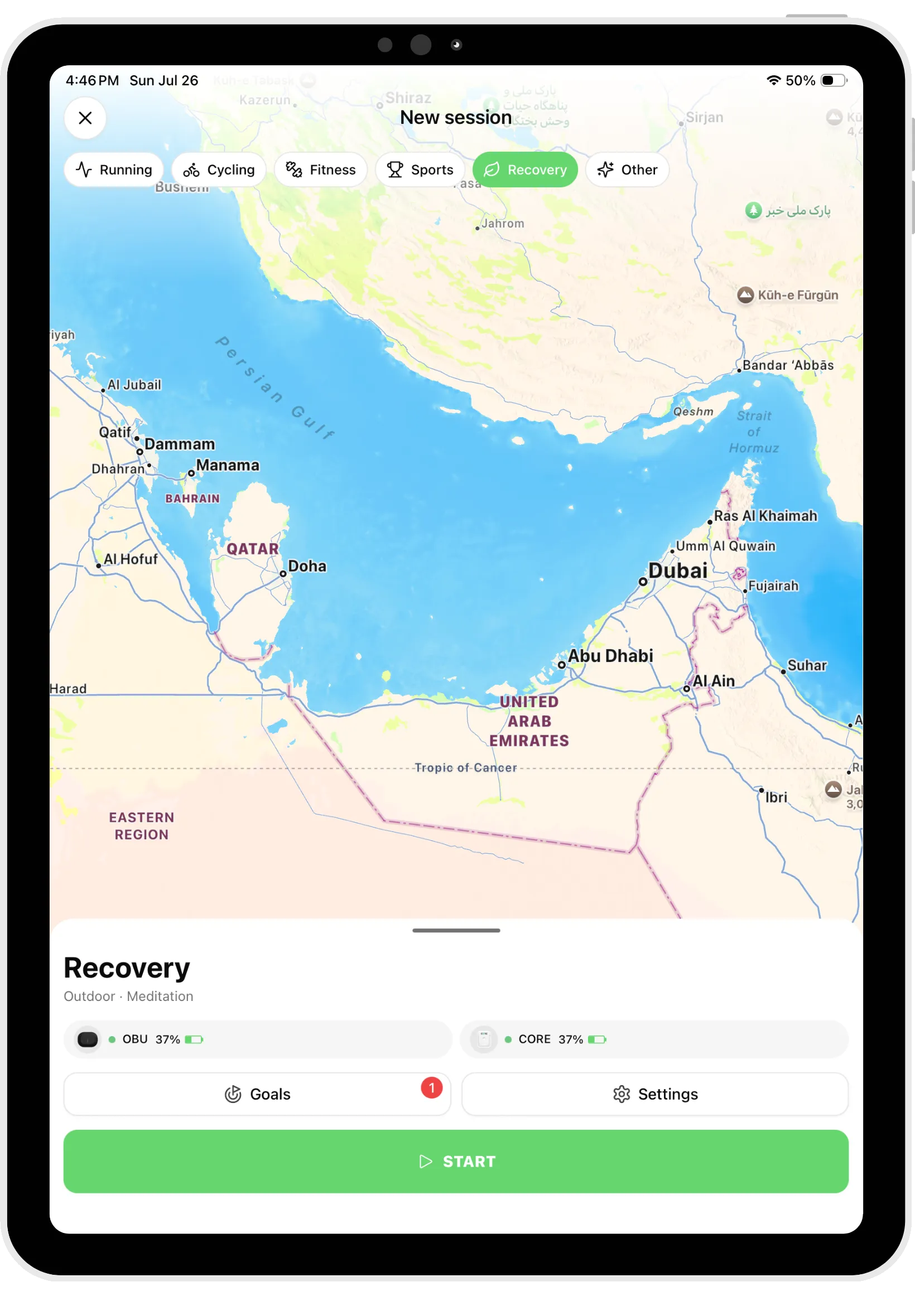
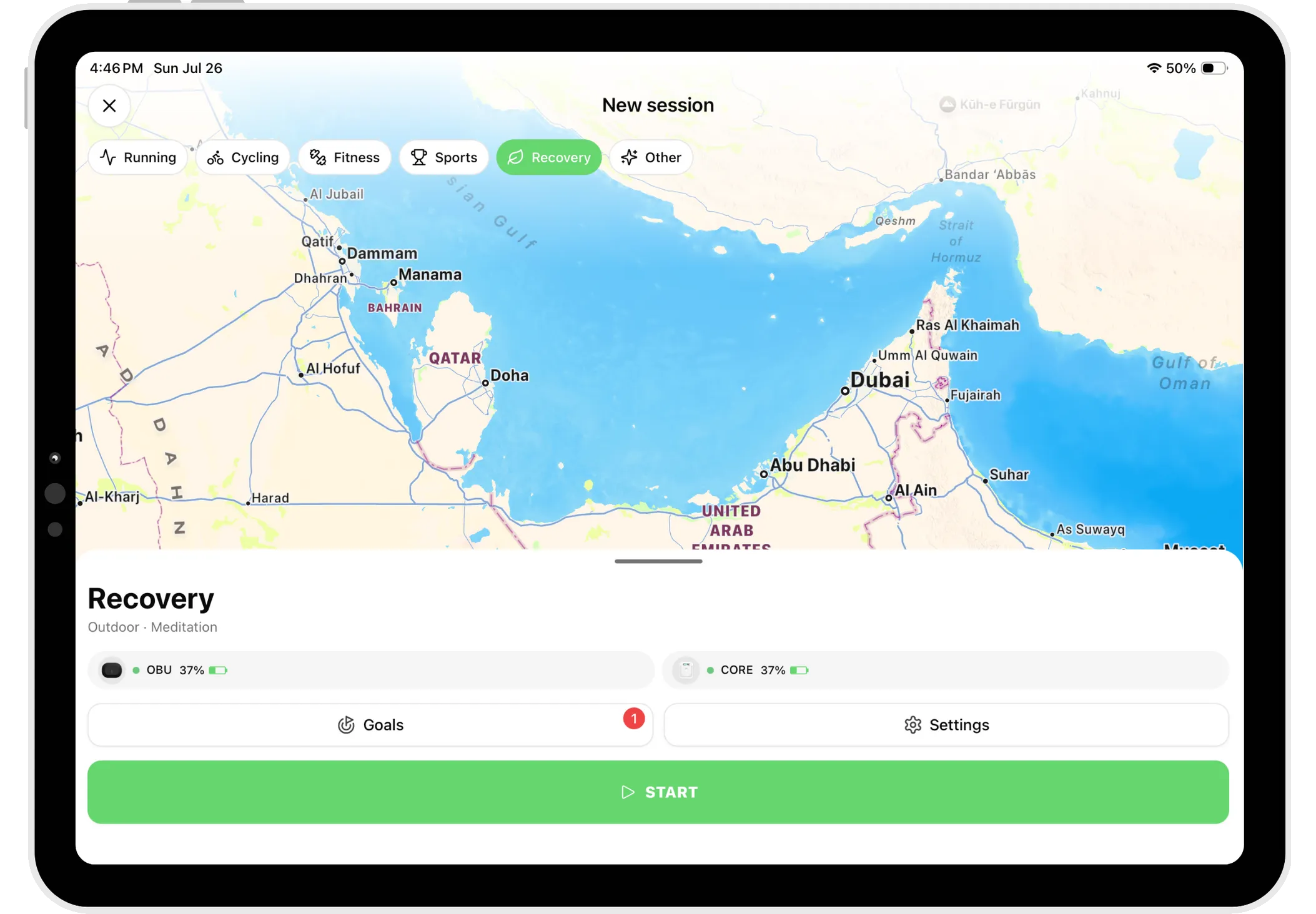
A look inside
6 screensWhat it does
Connect your OBU
Pair the Onboard Unit in your washable V2K shirt over Bluetooth and start capturing straight away.
Accurate body data
Sensors embedded in the textile record your training metrics — no traditional chest strap, no hassle.
Session management
Start and end training sessions in the app so everything is recorded from the moment you begin.
Train in the right zones
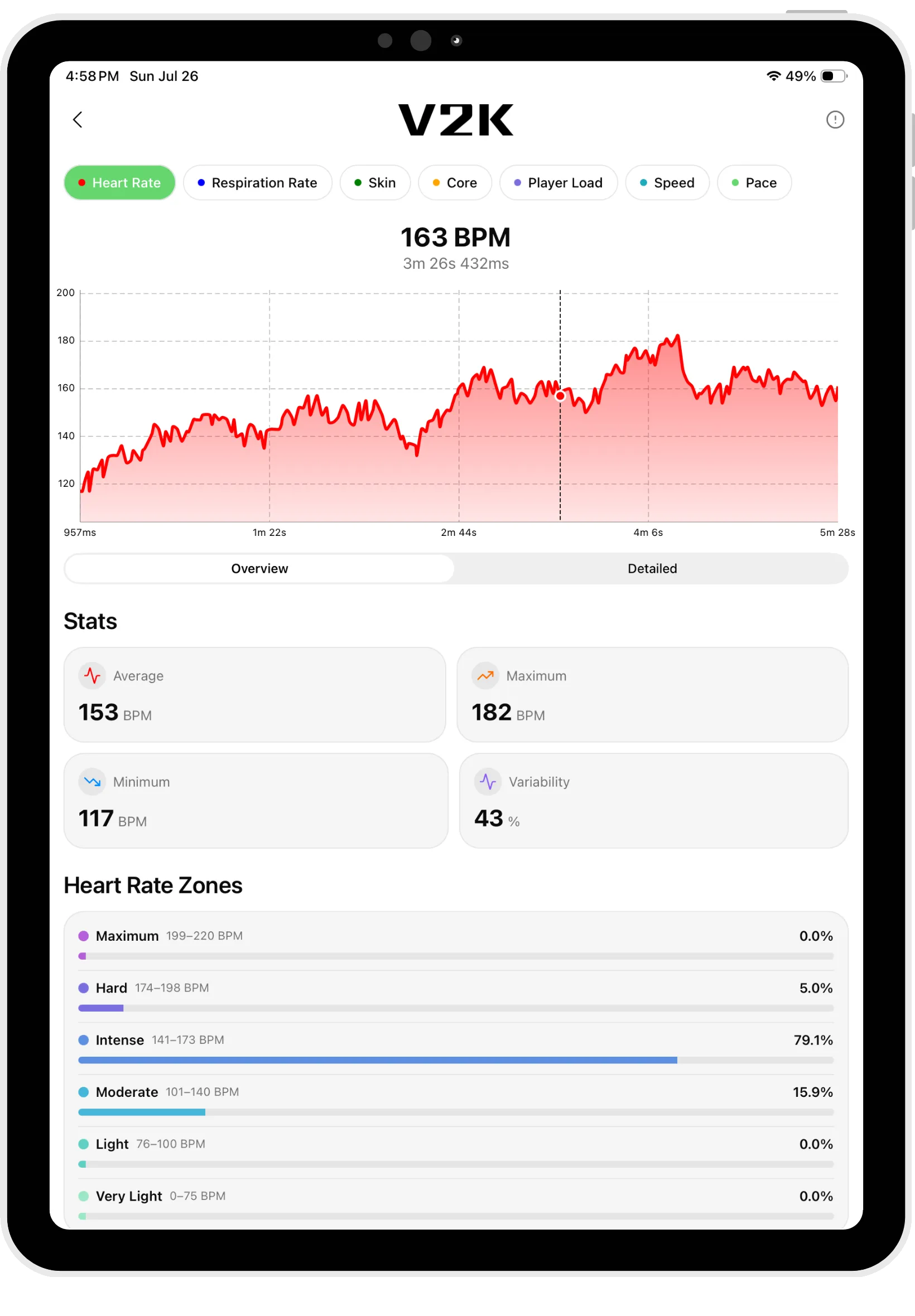
Use accurate heart rate and vital data to keep training intensity matched to your goals.
Visualize your performance
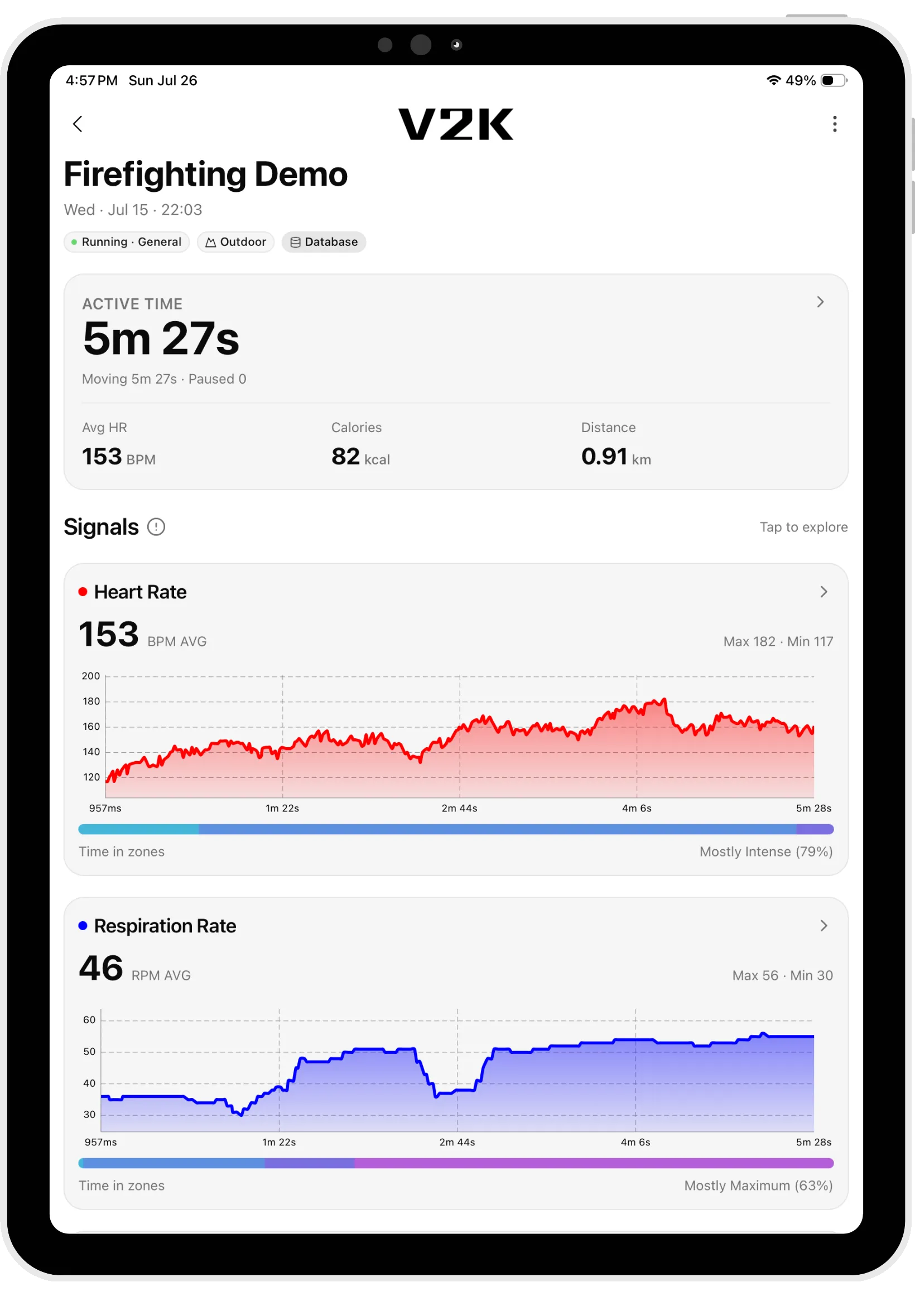
Weekly, monthly and yearly overviews turn each session into clear, readable charts.
Track your history
A full log of past sessions, so you can watch recovery patterns and progress over months and years.
Install in five steps
≈ 2 minutesAndroid calls this “installing from an unknown source.” It's a supported, built-in flow — you're just telling the phone you trust this file.
Download the APK
Tap Download APK. Your browser may warn that this kind of file can harm your device — that message appears for anything downloaded outside the Play Store. It's safe to keep.
Allow installs from your browser
Open Settings → Apps → Special access → Install unknown apps (on some phones, Settings → Security). Pick the browser you downloaded with and turn on “Allow from this source.”
Open the file
Tap V2K.apk from your notification shade or your Downloads folder to start the installer.
Approve the install
Android may say “Play Protect doesn't recognize this developer.” Tap Install anyway — this appears for every app not yet on the Play Store and doesn't mean anything is wrong.
Open V2K
Launch the app, pair your sensor over Bluetooth, and you're ready to record.
About this version
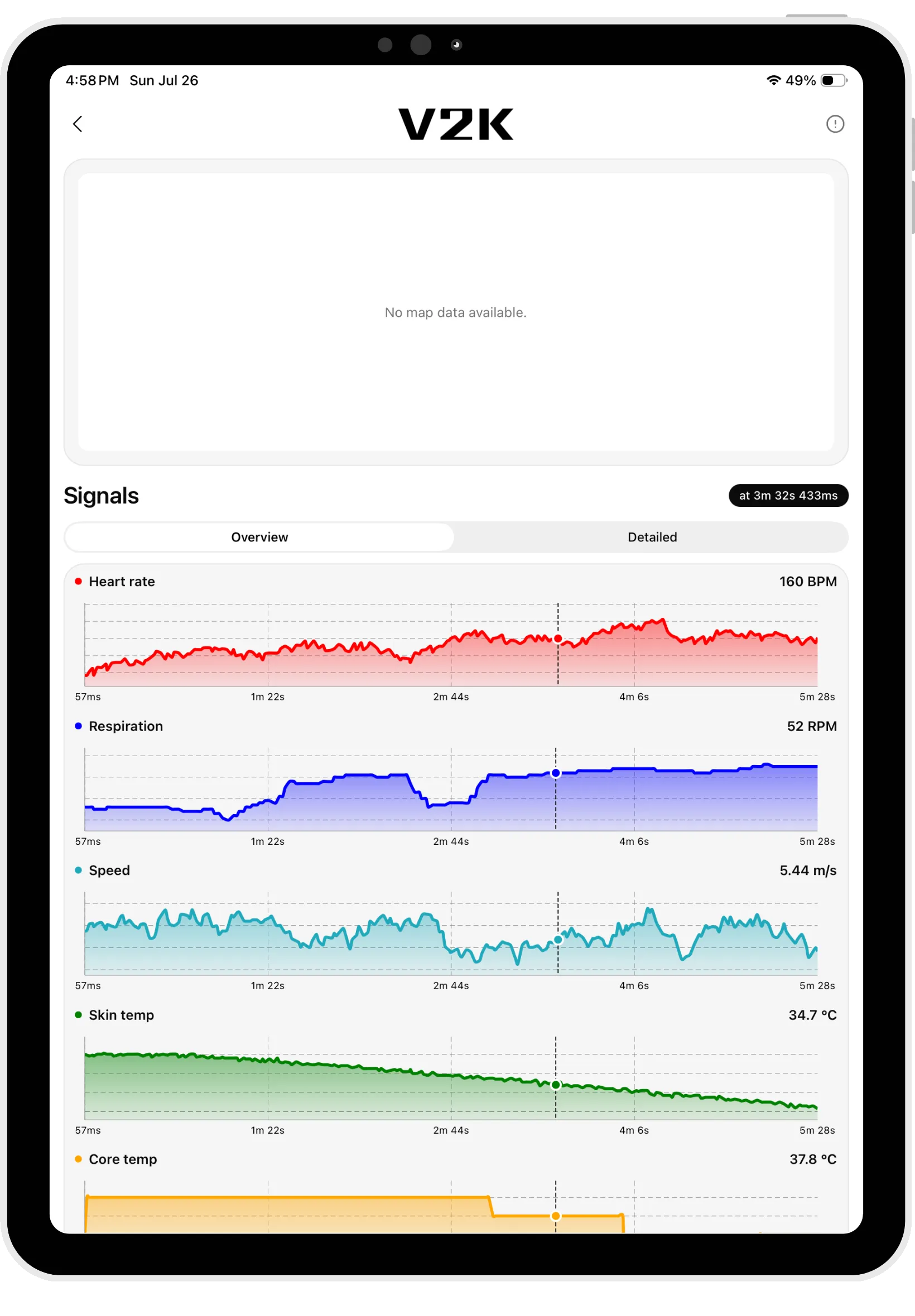
v2.0.1 · Build 200This is a major update. It introduces a brand-new session summary screen with an interactive map and charts, the ability to edit your sessions, and a redesigned session details experience with a unified metric charts screen. We've also upgraded the core framework and dependencies to keep V2K fast, stable, and ready for upcoming features.
Your data is now more accurate and easier to explore — paused time is excluded and only valid readings are used in calculations, charts handle very long recordings smoothly, and live monitoring shows the core temperature sensor battery level while using less battery and CPU in the background. All previous improvements remain available, including automatic BLE data sync and NFC temperature sensor support on both iOS and Android.
Thank you for using V2K. We're continuously working to improve your experience and deliver the best digital fitness and performance monitoring tools.
For support or feedback, reach out to us at office@v2k-global.com
Requirements
- Platform
- Android 12+
- Size
- 149 MB
- Connection
- Bluetooth LE
- Hardware
- V2K smart textile
- Updated
- 8 July 2026
- First released
- 2 December 2025
- Content rating
- PEGI 3
- Offered by
- V2K
What's new
v2.0.0 · July 2026- Brand-new session summary screen with an interactive map and charts, now including altitude
- Edit your sessions — rename them and update the activity, type, and environment
- Redesigned session details with a unified metric charts screen and an at-a-glance legend
- Faster, smoother session and signal charts, even for very long recordings
- More accurate stats — paused time is now excluded and only valid readings are used in calculations
- Refined moving/paused time and estimated calorie calculations
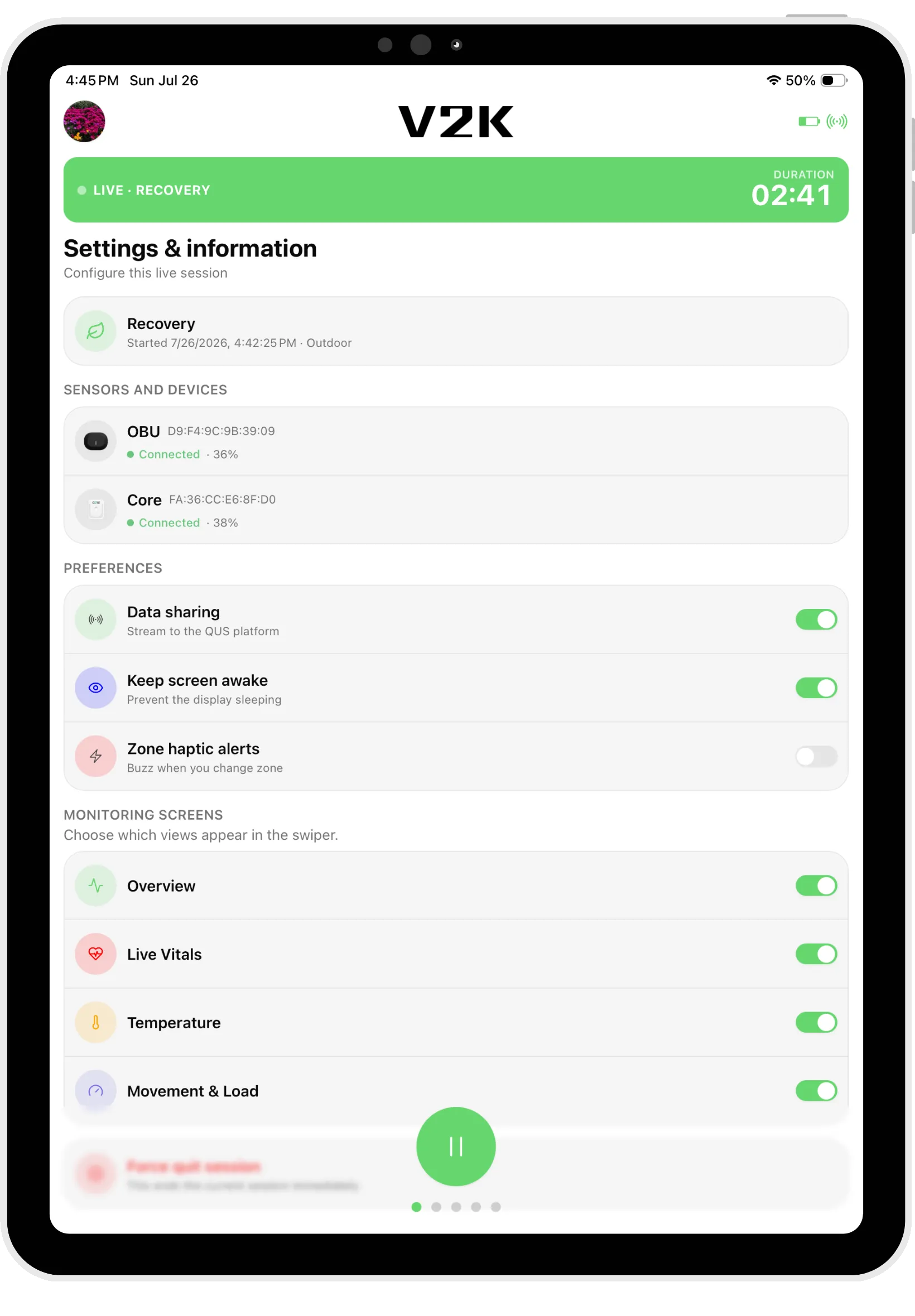
- Live monitoring now shows the core temperature sensor battery level and adapts when no temperature data is available
- Improved connection reliability on iOS and lower battery and CPU usage while the app is in the background
- Upgraded core framework and dependencies
- Bug fixes and stability improvements
What it asks for
6 groupsEverything V2K can ask your device for, in full. Android requests each one in context, when the feature that needs it runs — so you can decline anything your setup doesn't use.
Location
- Approximate location (network-based)
- Precise location (GPS and network-based)
Photos / Media / Files
- Read the contents of your USB storage
- Modify or delete the contents of your USB storage
Storage
- Read the contents of your USB storage
- Modify or delete the contents of your USB storage
Camera
- Take pictures and videos
Wi-Fi connection information
- View Wi-Fi connections
Other
- View network connections
- Pair with Bluetooth devices
- Access Bluetooth settings
- Full network access
- Control Near Field Communication
- Run at startup
- Draw over other apps
- Control vibration
- Prevent device from sleeping
Questions
- Is it safe to install this way?
- Yes. Sideloading is Android's supported way to install apps from outside the Play Store. The warnings you'll see are generic and appear for every non-store app.
- Why isn't it on the Play Store yet?
- We're finishing store review. This page is how invited testers and clients get access in the meantime; it'll move to the stores once approved.
- Do I need the V2K shirt?
- The app pairs with the V2K smart textile (and its OBU) to record your training data. You can explore the interface without one, but live readings need the hardware.
- Which devices are supported?
- Android 12 and newer with Bluetooth, on phone or tablet. An iOS build is coming too.
- Why does it ask for so many permissions?
- Bluetooth and location are what Android requires to find and pair your OBU; The rest are requested only where a feature needs them. Android asks in context, and you can decline anything you don't use.
- How do I update later?
- We'll email you when a new build is ready. Download and install it over the current one — your recordings stay in place.
Ready when you are.
Grab the latest build and pair your textile. Stuck on any step? We answer fast.